If you run an online store, Klaviyo email marketing is one of the highest-leverage channels you can invest in. Unlike social media or paid ads, email gives you direct, owned access to people who already bought from you or showed interest in your products. This guide walks you through everything: what Klaviyo is, why e-commerce brands choose it, how to set it up, the flows and campaigns that drive revenue, and how to measure results. By the end, you will know exactly how to turn email into a consistent revenue engine for your store.
What Klaviyo Is and Who It’s For
Klaviyo is an email and SMS marketing platform built specifically for e-commerce. While general-purpose tools try to serve every kind of business, Klaviyo focuses on online stores, so its features map directly to how e-commerce works: product catalogs, carts, checkouts, order history and repeat purchases.
It is a strong fit for:
- Shopify and WooCommerce stores that want deep, native data sync between their storefront and their marketing.
- Growing brands with steady order volume that want automation to scale without adding headcount.
- Stores with repeat-purchase potential, such as consumables, apparel, beauty and pet supplies.
- Teams that want clear revenue attribution, so they can see exactly which emails produced which orders.
If email is currently an afterthought in your business, Klaviyo email marketing gives you the infrastructure to change that. Related reading: our email marketing services.
Why E-commerce Brands Choose Klaviyo for Email Marketing
The main reason stores switch to Klaviyo is data. Klaviyo syncs your customer, order and browsing data in real time, so every email can be personalized around what each person actually did — what they viewed, what they added to cart, what they bought and when they bought it.
The second reason is revenue attribution. Klaviyo shows you how much revenue each flow, campaign and segment generated, so you can see which efforts are paying off and which need work. That visibility makes it far easier to justify investing more in email.
Finally, the integrations are genuinely native. The Shopify integration syncs products, collections, customers and orders automatically, and the WooCommerce integration covers the same ground. You spend less time wrestling with connectors and more time sending emails that sell.
Getting Started: Account Setup and Store Integration
Getting Klaviyo email marketing right starts with a clean setup. Rushing this part causes most of the deliverability and tracking problems stores run into later, so it is worth doing carefully.
Connect your store and verify tracking
Install the Klaviyo app for Shopify or the plugin for WooCommerce, then connect your store through the Klaviyo setup wizard. Confirm that customer profiles, orders and product catalogs are syncing, and check that on-site tracking is active so browse and cart activity flows into Klaviyo. Place a test order and verify it appears in Klaviyo with the right products, revenue and customer details before you send anything.
Build your list with popups and forms
Your list is your most valuable asset, so start growing it from day one. Add a signup popup or embedded form offering a clear incentive — a first-order discount, free shipping or early access to new products. Keep the form short: email address first, with SMS consent as an optional second step. Connect the form to your welcome flow so every new subscriber immediately starts receiving emails. Avoid buying lists or importing old contacts without permission; they hurt deliverability and violate consent rules.
The Core Klaviyo Flows That Drive Revenue
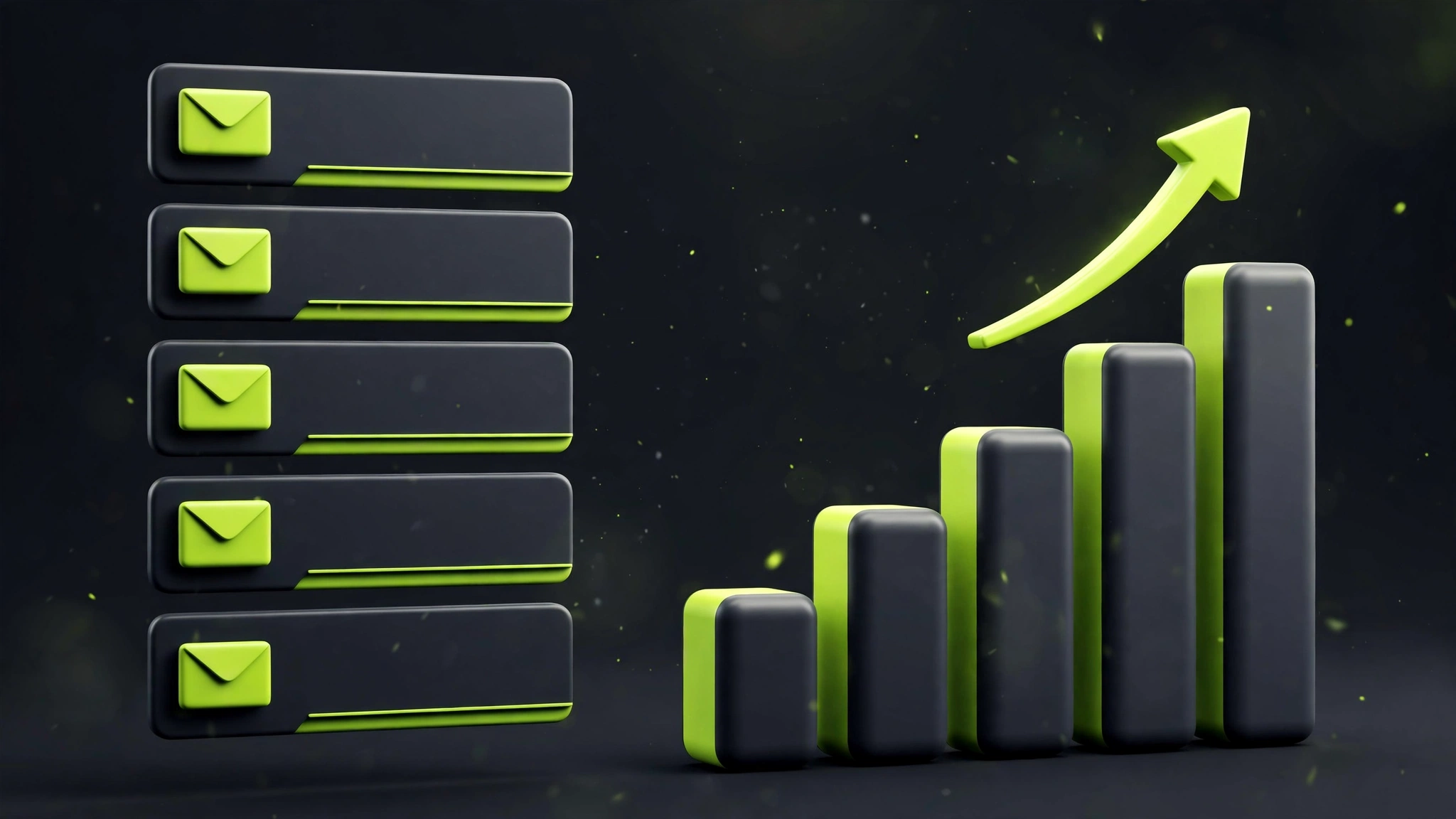
Flows are automated email sequences triggered by customer behavior. They run in the background and typically generate a large share of email revenue because they reach people at the exact moment they are most likely to buy. Build these first:
- Welcome series: greets new subscribers over 3–4 emails — your story, bestsellers, social proof and a first-purchase incentive.
- Abandoned cart: recovers shoppers who added products but didn’t check out, usually 2–3 emails spaced over 24–72 hours.
- Browse abandonment: re-engages people who viewed products without adding to cart, with recommendations and reviews.
- Post-purchase: thanks buyers, sets delivery expectations, asks for reviews and suggests complementary products.
- Win-back: re-engages customers who haven’t purchased in 60–120 days with a compelling reason to return.
Start with the welcome series and abandoned cart flow — they usually deliver the fastest return — then add the rest in order of impact for your store. That is when Klaviyo email marketing starts paying for itself.
Segmentation That Actually Works
Segmentation means grouping subscribers by behavior and traits so each group gets relevant emails. The segments that matter most for e-commerce are simple: engaged subscribers from the last 90 days, recent purchasers, repeat buyers, high spenders, cart abandoners, and unengaged contacts you should email less often or suppress.
Resist the urge to build dozens of micro-segments before you have the volume to support them. Three to five well-chosen segments, used consistently across campaigns, will outperform a complex setup nobody maintains. Good segmentation also protects deliverability, because engaged recipients open more and complain less.
Quick check: is your Klaviyo setup earning?
Answer 3 quick questions and get an instant score.
Which flows are live in your account?
How do you segment your campaigns?
How do you judge email performance?
Campaigns vs Flows: When to Use Each
Campaigns are one-off emails you send to a segment — product launches, promotions, newsletters and announcements. Flows are automated sequences triggered by behavior. Use campaigns for timely messages and storytelling; use flows for the repeatable moments (welcome, cart recovery, post-purchase) that happen every day. A healthy program runs both: flows capture the revenue already on the table, while campaigns create new demand.
As a rule of thumb, build your core flows first, then layer in one or two campaigns per week. If campaigns start driving unsubscribes or cannibalizing flow revenue, reduce frequency before changing anything else.
Deliverability Basics: Domain Authentication, Warming and List Hygiene
Great emails mean nothing if they land in spam. Start by authenticating your sending domain with SPF, DKIM and DMARC records in Klaviyo’s domain settings — this tells inbox providers your emails are legitimate. If you are sending from a new domain, warm it up gradually over two to four weeks rather than blasting your whole list on day one.
Keep your list clean: remove hard bounces automatically, suppress chronic non-openers, and make unsubscribing easy. For setup, deliverability and day-to-day execution, many brands work with specialists — our Klaviyo management services cover all three.
Measuring What Matters: Revenue Per Recipient and Flow vs Campaign Split
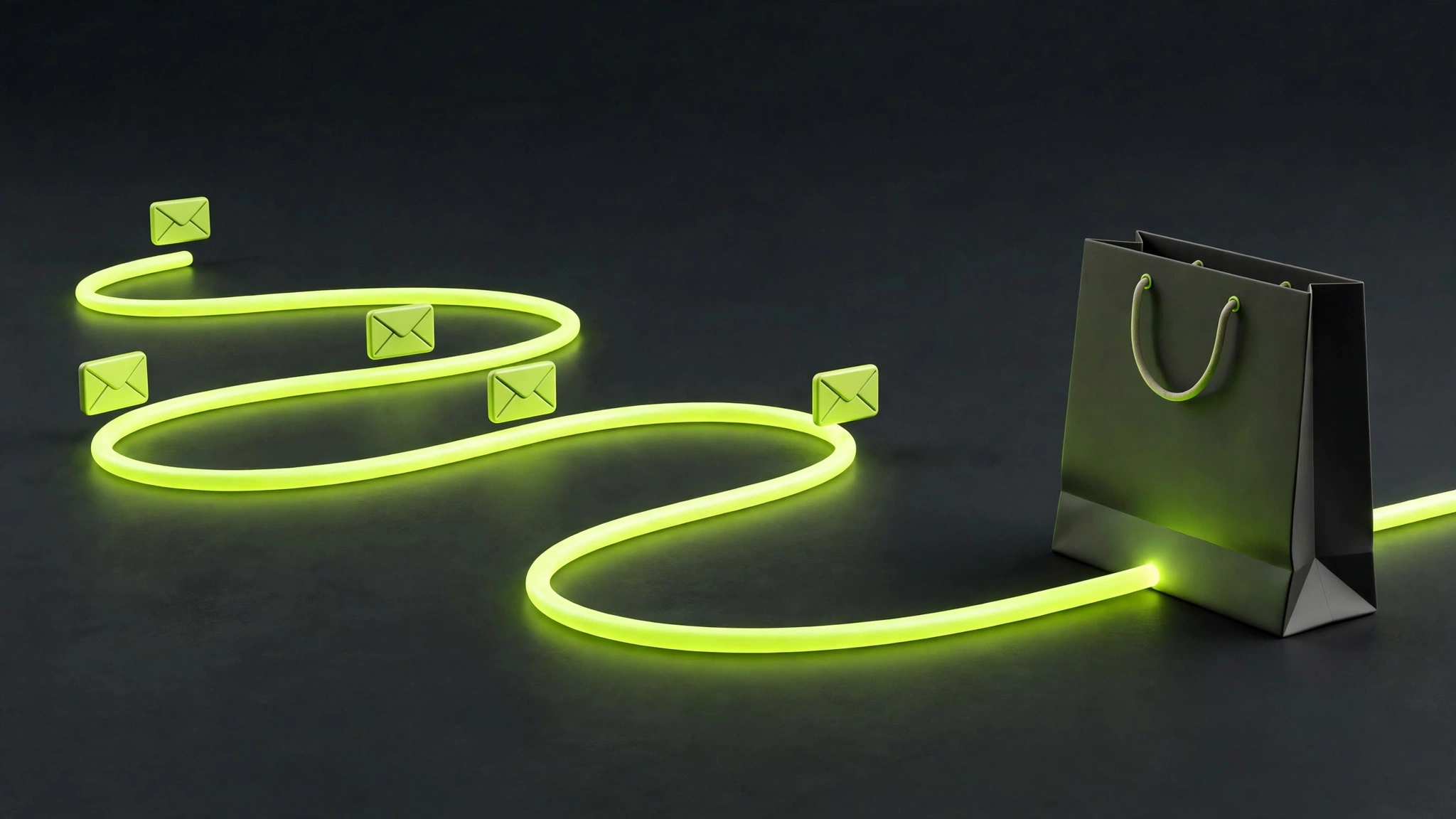
Open rates are directional at best, especially with privacy changes affecting tracking. Focus on revenue per recipient (RPR) — total email-attributed revenue divided by emails delivered — which tells you how efficiently each send converts attention into money.
Also track your flow vs campaign revenue split. Flows should grow steadily as your list grows; campaigns create spikes. If flow revenue stalls, a trigger is broken or a flow needs fresh content. Review these numbers monthly and let them guide where you invest effort.
Frequently Asked Questions About Klaviyo Email Marketing
How much does Klaviyo cost for a small store?
Klaviyo pricing scales with the number of contacts and the volume of emails you send, and there is a free tier for very small lists. Costs rise as your list grows, but so does the revenue email generates — most stores find the platform pays for itself once core flows are live. Check Klaviyo’s current pricing page for exact tiers.
How long does it take to set up Klaviyo properly?
A basic setup — store integration, domain authentication, a popup and two or three core flows — can be done in one to two weeks. A complete program with full segmentation, all core flows and campaign templates typically takes four to six weeks. Rushing setup usually creates deliverability problems that take longer to fix.
Is Klaviyo email marketing worth it for small e-commerce brands?
Yes, in most cases. Klaviyo email marketing gives small brands the same automation tools large retailers use, and email consistently delivers strong returns because you are marketing to people who already know your brand. Start with the highest-impact flows and grow from there rather than trying to build everything at once.
Do I need SMS as well as email in Klaviyo?
Not necessarily at the start. Email should come first because it reaches your whole list at low cost. Add SMS once your email program is working and you have clear use cases — cart recovery, back-in-stock alerts and VIP offers perform well by text. Always collect explicit SMS consent before sending.
Can I migrate to Klaviyo from another email platform?
Yes. Migration involves importing your contact lists, recreating key flows and campaigns, warming your sending domain and setting up integrations. Most stores complete the move in two to four weeks. To protect deliverability, migrate engaged subscribers first and re-engage or leave behind contacts who have not opened in months.
The Bottom Line
Klaviyo rewards stores that treat email as a revenue channel, not an afterthought. Start with clean setup and authentication, build your core flows, segment around behavior, and measure revenue per recipient. Do that consistently, and email becomes one of the most predictable growth levers in your business.
Want help setting up Klaviyo the right way? Our Klaviyo management service handles strategy, flows, campaigns and deliverability for e-commerce brands. Contact us to talk about your store.